0.1s Precision
Visual Waveform MP3 Cutter
Inspect every beat transient on our dark studio waveform and trim audio online with 0.1-second start and end slider precision.
Trim audio online free with our browser audio trimmer and MP3 trimmer—cut audio online across MP3, WAV, M4A, and OGG tracks locally with a visual waveform, 0.1-second sliders, smooth fades, and lossless WAV export.
ZERO-WAIT WEBAUDIO ENGINE
Cut MP3 hooks, podcast intros, and custom ringtones directly in your browser tab with instant waveform decoding and click-free fade ramps.
Inspect every beat transient on our dark studio waveform and trim audio online with 0.1-second start and end slider precision.
Toggle 0.4s fade-in and 0.6s fade-out ramps so cut MP3 hooks, Reels loops, and podcast intros never start or end with harsh pops.
Renders your trimmed selection locally via WebAudio API and exports uncompressed 16-bit WAV audio with zero re-compression artifacts.
BROWSER-FIRST MP3 CUTTER
Skip heavy desktop DAWs—trim audio online in seconds with instant waveform decoding, smooth fades, and lossless WAV output.
Traditional web cutters force you to wait while large recordings upload to distant servers. LyricsLab’s audio trimmer decodes MP3, WAV, M4A, and OGG files directly inside your browser’s WebAudio engine, rendering an 84-bar visual waveform in milliseconds so you can cut MP3 clips and audition your exact selection right away.
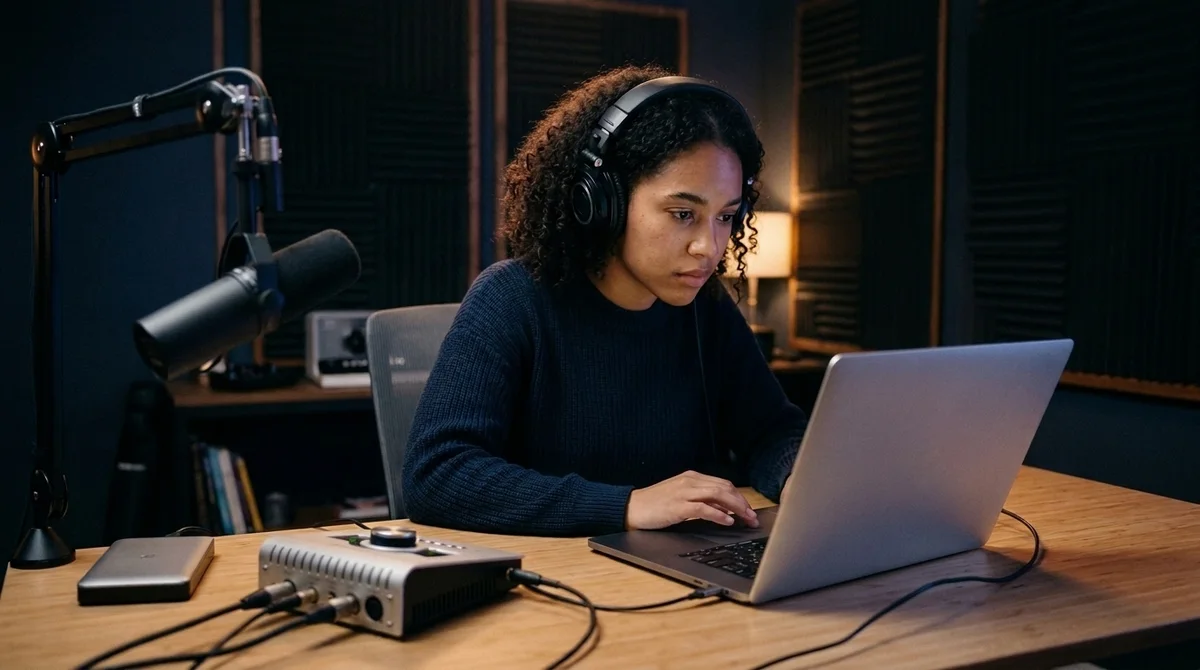
Abrupt mid-waveform cuts create audible clicks at the start and end of a loop. Enable our Smooth Fade-In (0.4s) and Smooth Fade-Out (0.6s) checkboxes to bake sample-accurate volume ramps into your export. Every ringtone, podcast bumper, and TikTok chorus drop exported from this MP3 cutter sounds polished and broadcast-ready.
Generated a full 3-minute song on LyricsLab and need just the explosive chorus for TikTok, Instagram Reels, or YouTube Shorts? Watch the live Selection duration badge as you drag Trim Start and Trim End in 0.1-second increments, isolating the catchiest 15-second or 30-second drop without opening a video timeline.

PRECISION CUTTER
0.1s Waveform Sliders
Need royalty-safe background music tailored to your brand or video story? Generate a complete vocal or instrumental track from custom lyrics on LyricsLab Studio, then bring it straight into this audio trimmer to cut MP3 intros, bumpers, and social hooks—all inside one unified browser workspace with zero software installs.

BROWSER STUDIO
Zero Software Installs
HOW IT WORKS
Load your track, dial in start and end timestamps on the waveform, and save a clean WAV clip locally.
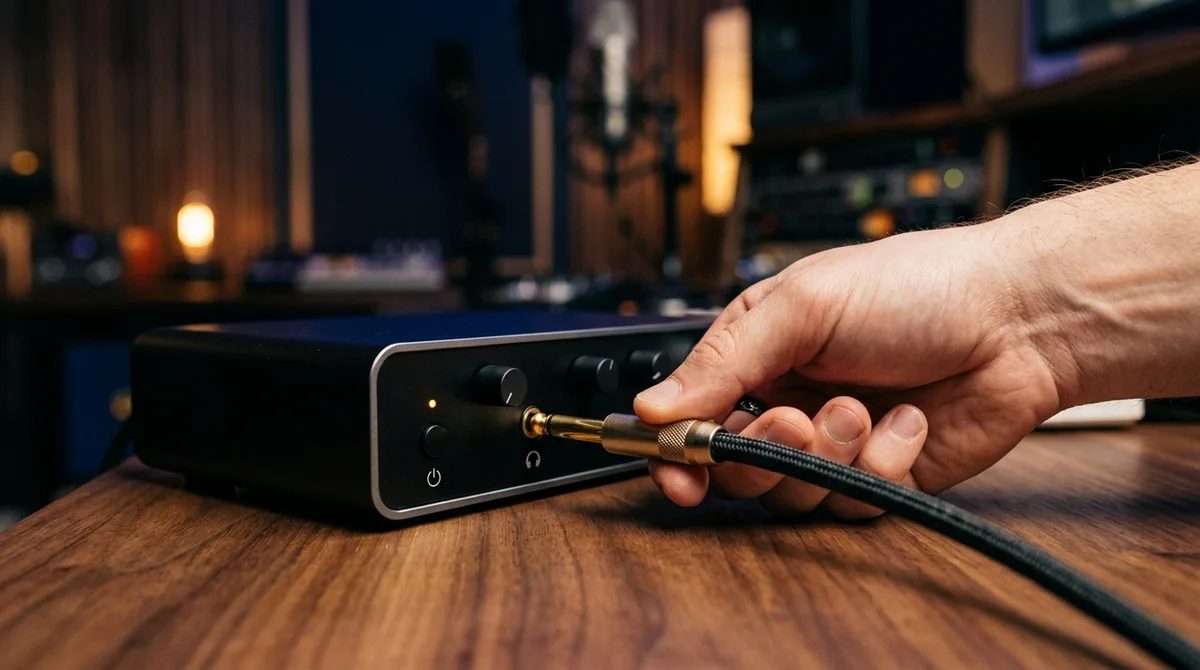
Click Upload Audio to open any MP3, WAV, M4A, or OGG file straight from your device—or click Load Demo Song to test our audio trimmer instantly. The 84-bar visual waveform renders in milliseconds with zero upload wait.

Drag the Trim Start and Trim End sliders to isolate your exact chorus, intro, or quote down to 0.1-second precision. Enable Smooth Fade-In (0.4s) and Smooth Fade-Out (0.6s), then click Play Selection to audition your cut.

Click Download Trimmed Audio (.wav) to render and save your uncompressed 16-bit WAV file directly to your computer. Your clean clip is immediately ready for video editors, podcast feeds, ringtones, or DAW timelines.
BUILT FOR CREATORS
From viral 15-second chorus hooks and podcast intros to custom ringtones, demo teasers, and sample chops.

Short-form video editors use our audio trimmer to cut MP3 chorus drops into tight 15-second and 30-second clips. Adding a 0.6s fade-out keeps transitions smooth when dropping your audio into CapCut, Premiere Pro, or Instagram Reels.

Podcast producers trim audio online to slice dead air from episode starts and turn full theme songs into crisp 8-second transition bumpers. Smooth fade-in and fade-out ramps sit cleanly underneath spoken host introductions without harsh volume drops.

Music fans cut MP3 songs or custom LyricsLab gift tracks into clean 20-to-30-second phone ringtones directly in the browser. Visual waveform markers make it effortless to start right on the first crisp downbeat of your favorite chorus.

Musicians use this free audio trimmer to carve out a lossless 30-second teaser from an upcoming single for Instagram Stories, Spotify Canvas previews, and email release newsletters without ever exposing or uploading the full unreleased master track.

Songwriters, journalists, and students trim audio online to cut 40-minute voice memos down to the single 25-second melody idea or interview quote they need—without uploading private recordings or confidential notes to any external cloud storage server.

Beatmakers and producers use our MP3 cutter to isolate clean vocal phrases, drum fills, or acoustic guitar riffs and export uncompressed 16-bit WAV clips ready to drag straight into Ableton Live, FL Studio, or Logic Pro.
STUDIO-GRADE BROWSER ENGINE
Load any standard browser-playable track into the audio trimmer without converting formats first—plus a built-in demo song for instant testing.
Hit Play Selection to audition only the highlighted region between your Trim Start and Trim End markers before exporting.
Trim audio online as many times as you need with zero upload queues, zero account walls, and clean broadcast-ready downloads.
100%
Browser-Local · Zero Server Uploads
0s
Instant Load · Zero Queue Wait
Free
Unlimited Free · Zero Watermarks
CREATOR REVIEWS
“Editing three podcast episodes a week means cutting dozens of intro stingers, and this audio trimmer lets me trim audio online with zero upload wait. A 45MB WAV file decoded in half a second, the 0.6s fade-out sounded broadcast-clean, and the exported 16-bit WAV dropped straight into my timeline.”

Jordan Patel
Podcast Audio Editor
“Opening heavy desktop video software just to grab a 15-second chorus used to kill my momentum. Now I use this browser MP3 cutter to cut MP3 hooks with exact 0.1s sliders, toggle smooth fades, and export clean Clips for TikTok and Reels in ten seconds flat.”

Chloe Tremblay
TikTok & Reels Editor
“For documentary rough cuts, we often have NDA-protected interview audio that cannot touch third-party servers. Having an audio trimmer that can trim audio online 100% locally in Chrome lets me isolate clean soundbites for directors on the road while keeping every raw file safely on my laptop.”

Samira Al-Mansoor
Documentary Filmmaker
“Most free web cutters are buried in pop-up ads and export muddy low-bitrate MP3s. LyricsLab’s MP3 cutter lets me cut MP3 and WAV loops into crisp 16-bit WAV with a dark high-contrast waveform that makes spotting kick transients and chopping vocal phrases genuinely enjoyable.”

Tyler Kowalski
Beatmaker & Sample Producer
“Between live radio segments I constantly need to trim 5-second music beds and clean station promos. This free audio trimmer with Play Selection and 0.4s fade-in runs effortlessly on any studio workstation without admin installs, delivering pop-free WAV clips ready for our broadcast cart.”

Keiko Takahashi
Radio Segment Producer
“Auditioning voiceover takes for commercial clients requires sending crisp 20-second slates fast. Using this audio trimmer to trim audio online and remove dead air saves me twenty minutes every morning, and the clean filename export keeps client deliverables organized without ever opening my full DAW.”

Gavin Reid
Voiceover Casting Director
FREQUENTLY ASKED QUESTIONS
Answers on supported audio formats, local WebAudio privacy, fade ramps, and lossless 16-bit WAV exports.
Need help trimming audio?
Questions about browser audio formats or studio workflows? Reach our team anytime.
An online audio trimmer is a browser tool that cuts unwanted intros, silence, or endings from sound files. LyricsLab’s audio trimmer uses the WebAudio API to decode your file locally, draw an interactive waveform, slice your exact start/end range, apply optional fade ramps, and export lossless 16-bit WAV.

Load any MP3, WAV, or M4A file into LyricsLab’s free audio trimmer to slice exact hooks, apply smooth fade-in and fade-out ramps, and download lossless 16-bit WAV in seconds—or create original AI songs from lyrics.