Click-to-Seek
Interactive Click-to-Seek LRC Player
Click any line of your synced lyrics to jump audio playback straight to that exact timestamp—ideal for rehearsing tricky verses or choruses.
Play MP3 with LRC files in our free LRC player online and synced lyrics player—preview live highlighted lines, click any lyric to seek audio, calibrate ±2.0s timing drift, and export corrected .lrc.

Sakura Drift (Lo-Fi Chill · 80 BPM)
00:00.0 / 02:37.4
KARAOKE SYNC & TIMESTAMP TUNER
Preview timestamped karaoke playback, fix early or late lyric drift, and edit cues side by side in our free browser LRC player and LRC editor.
Click any line of your synced lyrics to jump audio playback straight to that exact timestamp—ideal for rehearsing tricky verses or choruses.
Drag the Sync Offset slider (-2.0s to +2.0s in 0.1s steps) while listening until every vocal phrase highlights dead-on the beat.
Fix misspelled words or adjust `[mm:ss.xx]` cues in the live text panel and watch your synced lyrics update instantaneously without reloading.
REAL-TIME LRC WORKBENCH
Play MP3 with LRC locally in Chrome or Safari, fix sync drift in seconds, and verify every cue before release.
Learning a fast verse or checking vocal timing on a new single? When you play MP3 with LRC in LyricsLab’s LRC player, every timestamped line acts as an interactive seek button. Click any chorus or bridge line to jump playback straight there while smooth container-scoped auto-scrolling keeps the active line centered.

Downloaded an `.lrc` file timed for a radio edit whose intro is 0.7 seconds shorter than your album MP3? Instead of manually editing 40 timestamps, slide our Sync Offset tuner (-2.0s to +2.0s) while listening until the karaoke highlight lands dead-on, then click Export .LRC to save the permanently shifted file.

DRIFT CALIBRATION
-2.0s to +2.0s Live Offset
Spotted a misspelled chorus word or a single cue that triggers two beats early? Fix it directly inside our side-by-side LRC editor without stopping audio or switching to Notepad. Every edit re-parses `[mm:ss.xx]` cues in real time so you can verify your synced lyrics immediately before exporting.
BROWSER LRC EDITOR
Live Cue Re-Parsing
Ready to hear your own written verses sung aloud? Jump from this LRC player straight into LyricsLab’s flagship AI Lyrics to Song studio to generate a full 48kHz vocal and instrumental MP3 in under 60 seconds, then package your release with our free Album Cover Embedder and Audio Trimmer.

HOW IT WORKS
Load your local MP3 and .lrc lyrics file, calibrate timing drift live, and export a perfected .lrc file.
Click Load MP3 / Audio to pick your track and Load .LRC File to open its timestamped lyrics—or press Play immediately on our preloaded Sakura Drift studio demo to see live synced lyrics highlighting in action.

Click any lyric line inside the LRC player to jump audio straight to that verse, slide Sync Offset (-2.0s to +2.0s) to eliminate early or late drift, and correct any typos inside the live LRC editor.
Click Export .LRC to download your freshly calibrated, cleanly sorted `.lrc` file straight to your computer—instantly ready for Plex, Jellyfin, MusicBee, Android music players, karaoke screens, or digital distributor synced-lyrics submissions.
WHO USES SYNCED LRC PLAYER
From living-room karaoke and language study to indie distributor QA and local Plex/Jellyfin libraries.

Friends and families play MP3 with LRC instrumental tracks directly in the browser for an instant, distraction-free karaoke sing-along screen—with crisp active-line highlighting, smooth container auto-scroll, and zero software installation on laptops or living-room TVs.

Language learners use this free LRC player to click any Spanish, Japanese, Korean, or French vocal line repeatedly at 0.75× or 1× speed, replaying tricky phrases instantly until pronunciation, cadence, and rhythm feel completely natural.

Independent artists QA their synced lyrics in our live LRC editor before submitting `.lrc` files to DistroKid, Musixmatch, or Apple Music—catching spelling typos, misplaced chorus stamps, and half-second cue drift well before release day.
Hi-fi collectors repair off-beat `.lrc` files scraped for local FLAC and MP3 albums using the ±2.0s offset slider and per-line timing nudges, exporting cleanly sorted files that highlight accurately across home media servers.

Singers and choir members play MP3 with LRC rehearsal tracks and tap straight to Verse 2 or the Bridge while memorizing setlists, saving valuable rehearsal time compared to awkwardly scrubbing tiny mobile timeline bars.
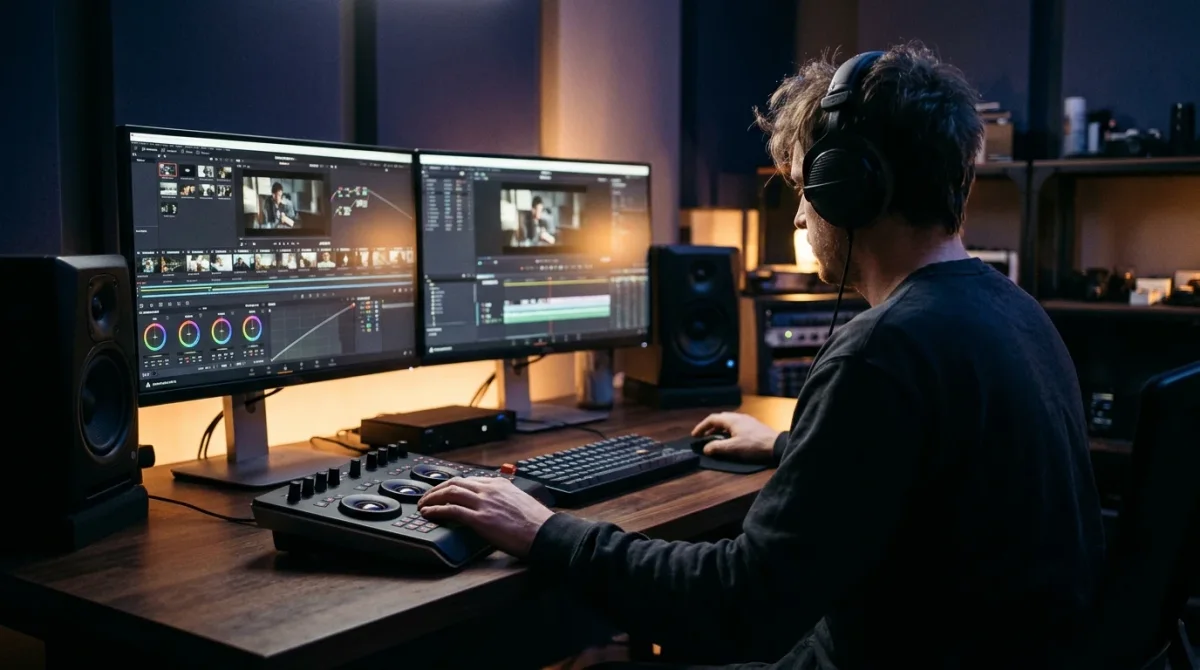
Video editors proofread, re-stamp, and time-align every `[mm:ss.xx]` vocal cue inside our side-by-side LRC editor before importing clean lyric captions into Premiere Pro, CapCut, or After Effects for kinetic music videos.
STUDIO-GRADE BROWSER ENGINE
Auto-scrolls gently inside the player viewport and pauses automatically when you scroll manually so the page never fights your mouse wheel.
Test how to play MP3 with LRC immediately on load using our built-in Neon Highway demo track with 23 time-aligned lyric cues.
Bake your exact timing offset permanently into every cue and download a cleanly sorted `.lrc` file ready for Plex, Jellyfin, or Musixmatch.
100%
Browser-Local · Zero Server Uploads
0s
Instant Load · Zero Queue Wait
Free
Unlimited Free · Zero Watermarks
CREATOR REVIEWS
“Learning Korean pop pronunciation used to mean constantly dragging a tiny phone scrubber back three seconds. Now I play MP3 with LRC in this browser LRC player and click any line to loop it—my listening practice is twice as fast and works cleanly right in Chrome.”

Min-Ji Park
Language Learner & Vocalist
“Half the .lrc files scraped for my home Plex server ran 0.8 seconds early on album masters. Using this LRC player and ±2.0s offset slider fixed my synced lyrics in ten seconds, and the exported .lrc file now highlights every chorus word dead-on across my living-room receiver.”

Henrik Lind
Hi-Fi Audio Collector
“Before uploading time-aligned lyrics to our distributor and Musixmatch, I always QA every cue locally. This free LRC player lets me verify synced lyrics and fix typos live without uploading unreleased single masters to third-party servers, catching two mistimed bridge lines before release day.”

Layla Haddad
Indie Recording Artist
“When clients send rough lyric timestamps for kinetic lyric videos, checking them inside Premiere takes forever. Being able to play MP3 with LRC and tweak cues inside the side-by-side LRC editor saves me thirty minutes per music video before I ever render captions.”

Carlos Navarro
Lyric Video Editor
“Our community choir members rehearse complex four-part songs at home on tablets and laptops. Sharing an MP3 and .lrc file they can open in this zero-install LRC player with smooth synced lyrics auto-scroll got everyone off-book two weeks earlier than last season.”

Emily Sanderson
Community Choir Director
“Hosting house-party karaoke nights used to mean hunting through ad-ridden video clips. Now I just play MP3 with LRC instrumentals here for clean, distraction-free synced lyrics—the preloaded Sakura Drift demo convinced my friends immediately and the dark karaoke deck looks awesome on our TV.”

Tariq Hassan
Home-Studio Karaoke Host
FREQUENTLY ASKED QUESTIONS
Answers on playing MP3 with .lrc files, calibrating ±2.0s sync drift, editing cues, and browser privacy.
Need help with LRC files?
Questions about synced lyrics timestamps or audio playback? Reach our team anytime.
An LRC player is a synchronized lyrics player that highlights each vocal line in time with an audio track using `[mm:ss.xx]` cues. On LyricsLab, click Load MP3 / Audio and Load .LRC File to play MP3 with LRC locally in your browser with click-to-seek and live offset tuning.

Load any MP3 and .lrc file into LyricsLab’s free browser LRC player to preview click-to-seek synced lyrics, calibrate ±2.0s drift, and export a clean .lrc file—or create original AI songs from lyrics.